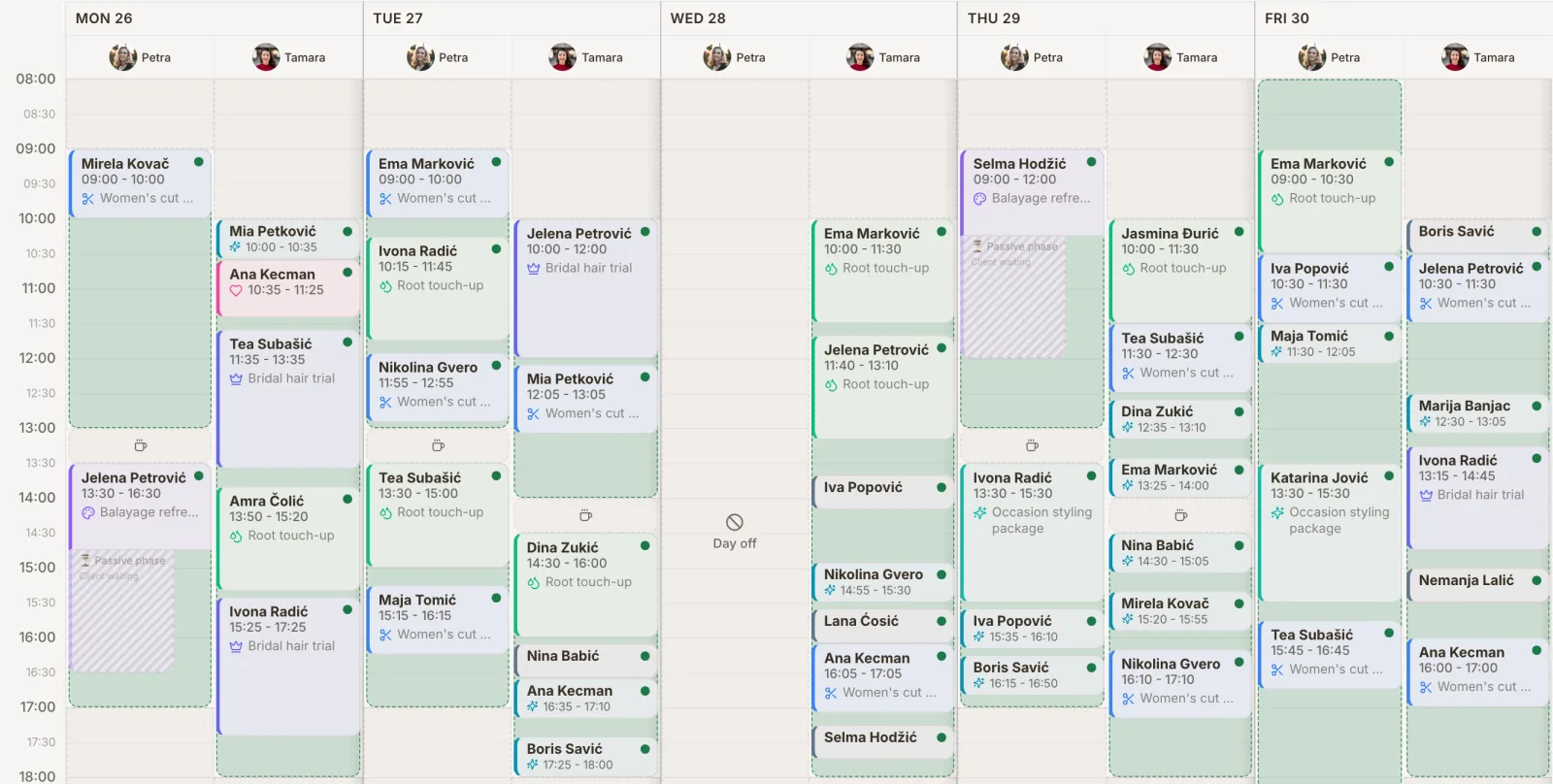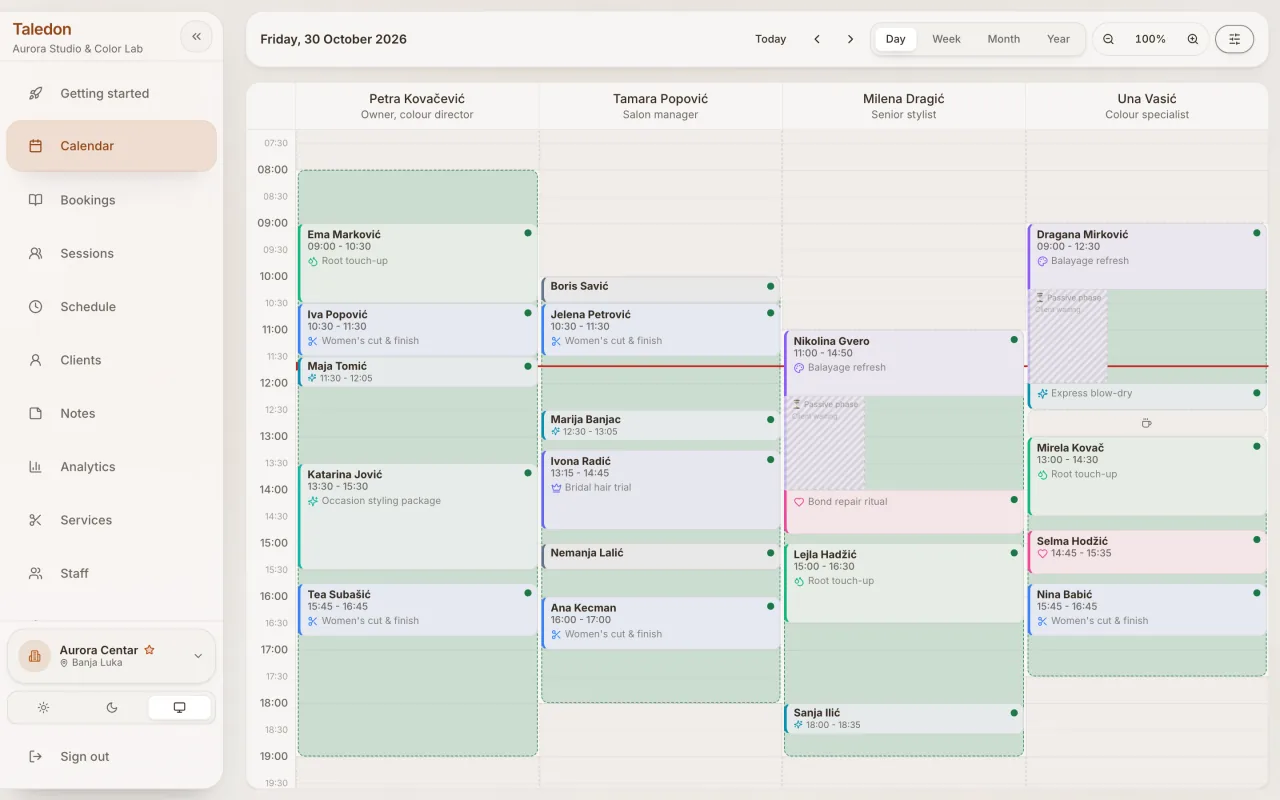
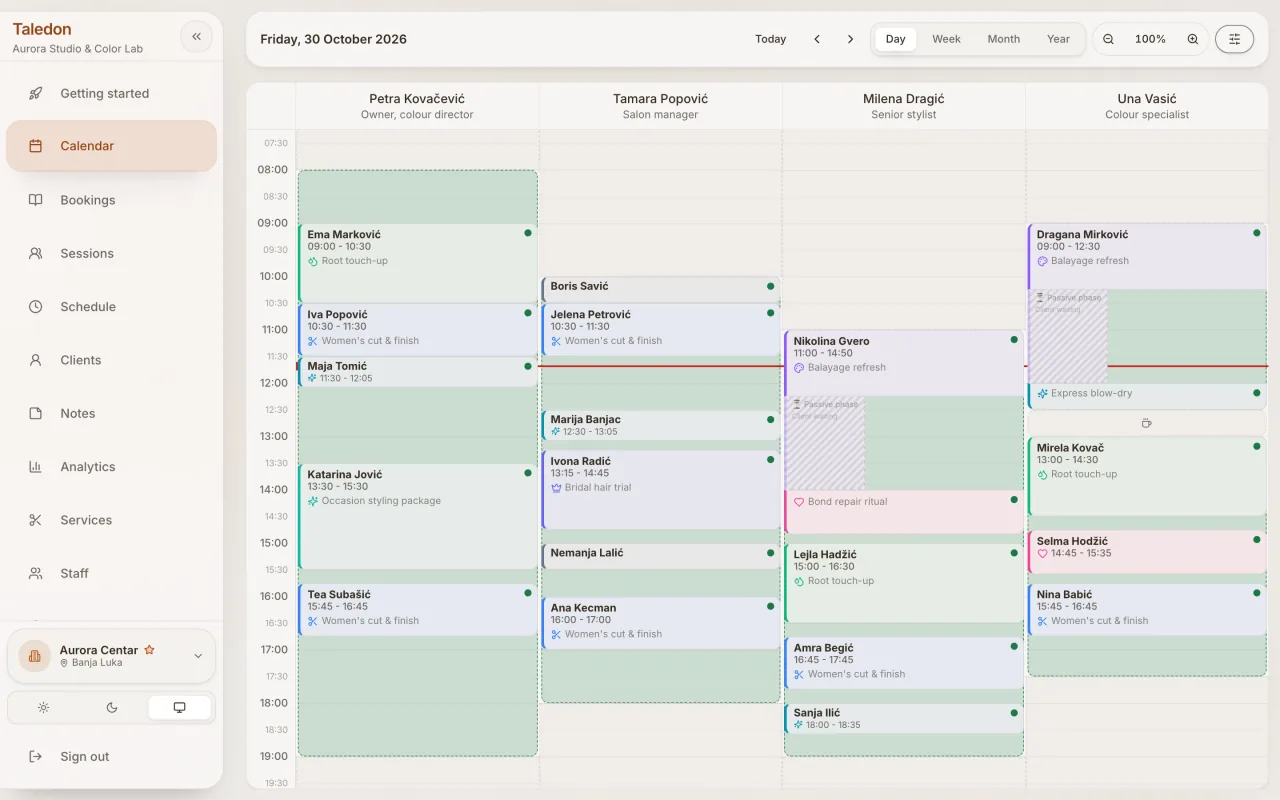











Know who is doing what.
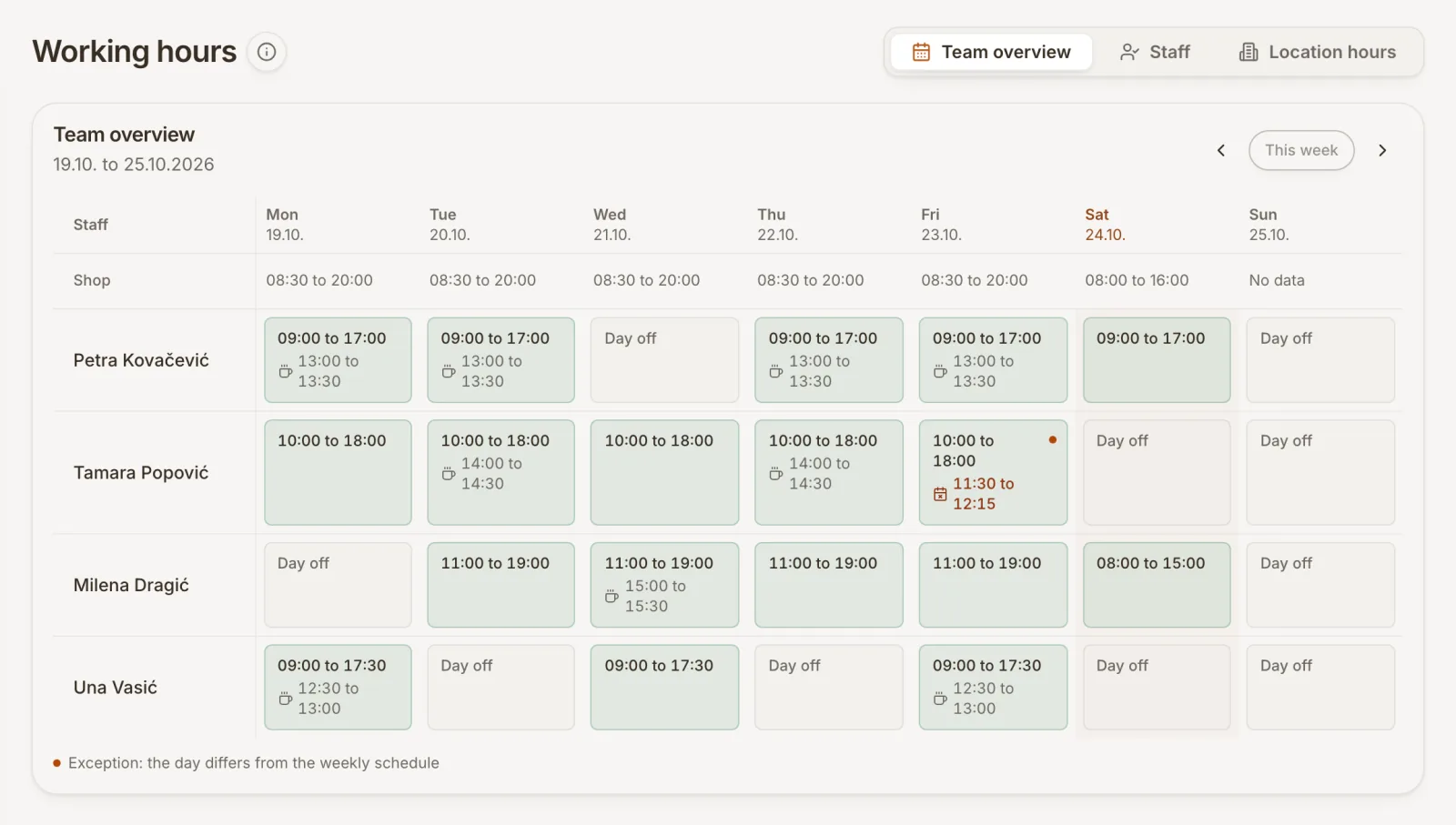
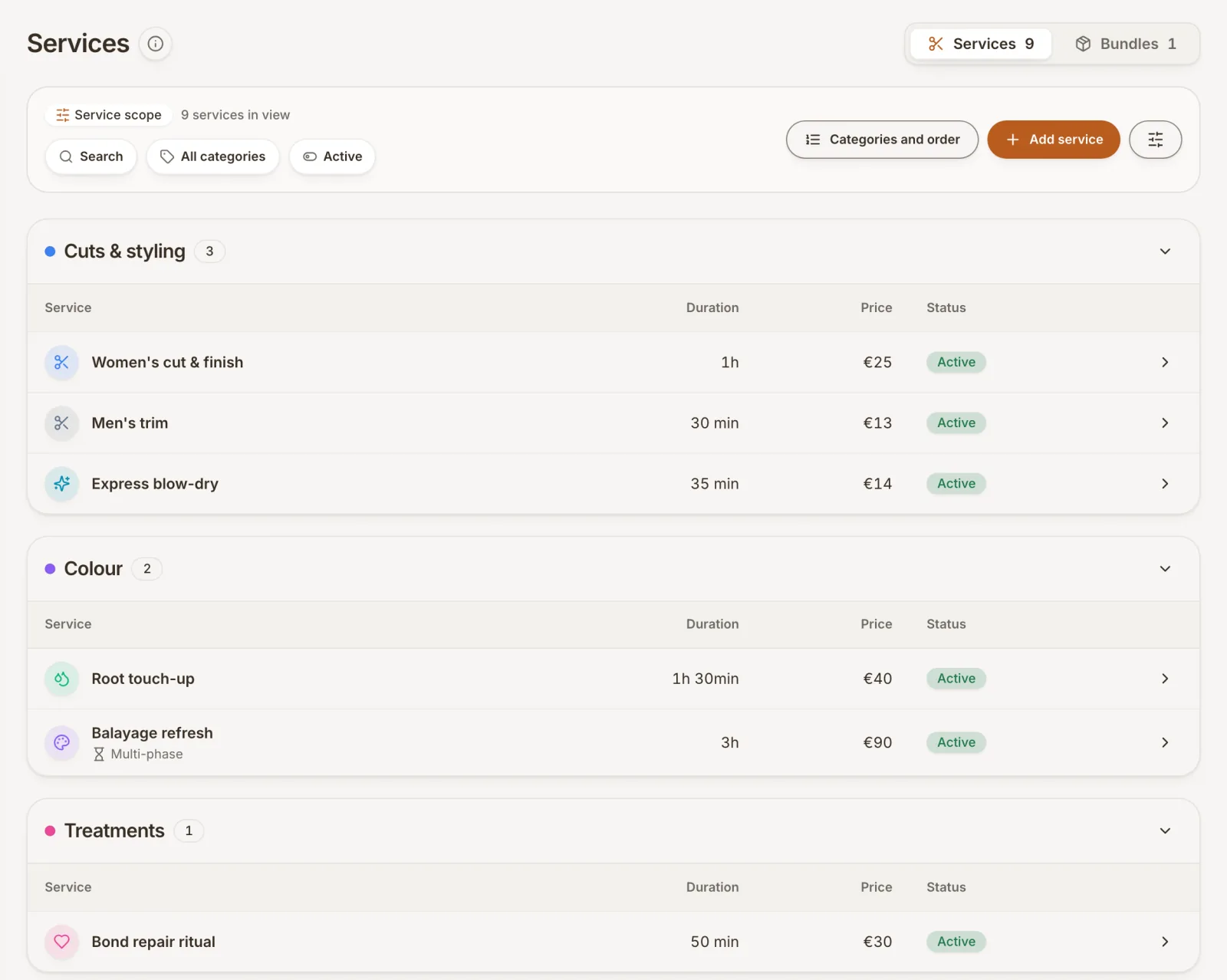
See appointments, staff shifts and breaks together. Assign the room or equipment a service needs, and check the schedule before adding another booking.
Explore the calendarTaledon brings bookings, your team and client records into one place. Less switching between messages and calendars. More room for the work you do best.
Free through 31 December 2026.Get started without adding a credit card.
Taledon / Calendar
IllustrationA day in order
Example working day
Team member 1
09:00 · 60 min
Consultation
Sample client
Room 1
Break · 10:00
Team member 2
11:00 · 60 min
Follow-up visit
Sample client
Room 2
Break · 12:00
People, time and resources in one schedule.
One connected working day
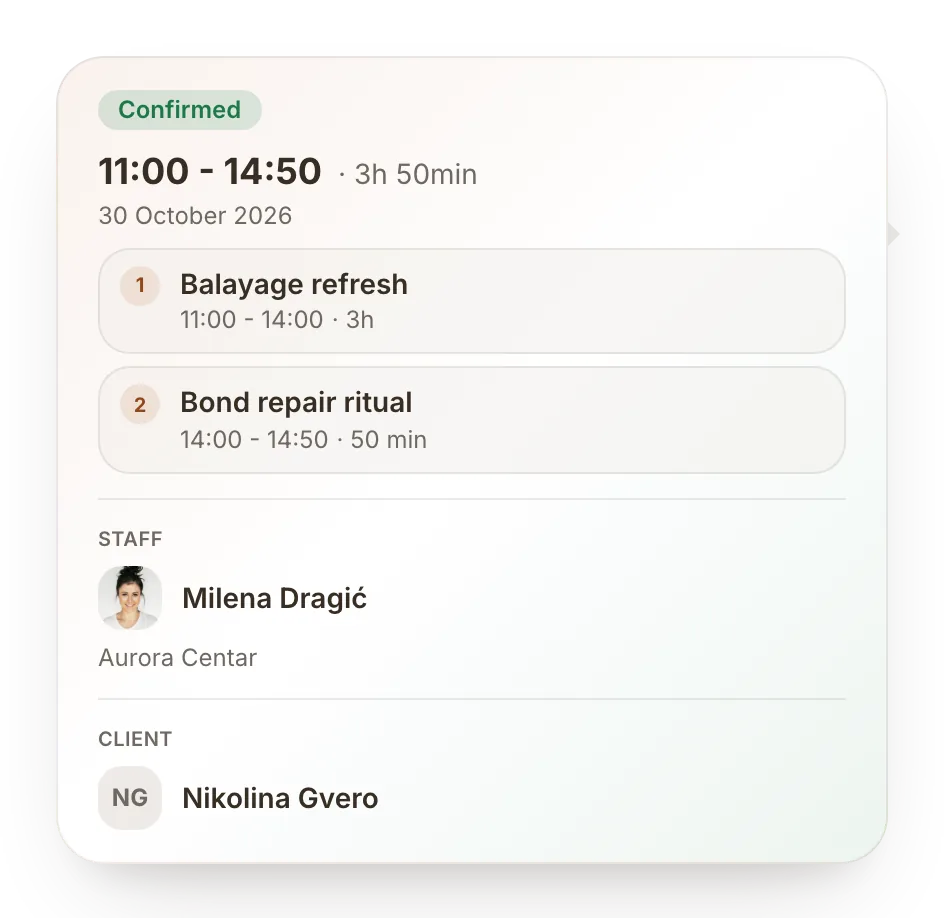
Every booking connects a client, a service, a person and a place. Taledon keeps those details together, from the first appointment to the next visit.
See appointments, staff shifts and breaks together. Assign the room or equipment a service needs, and check the schedule before adding another booking.
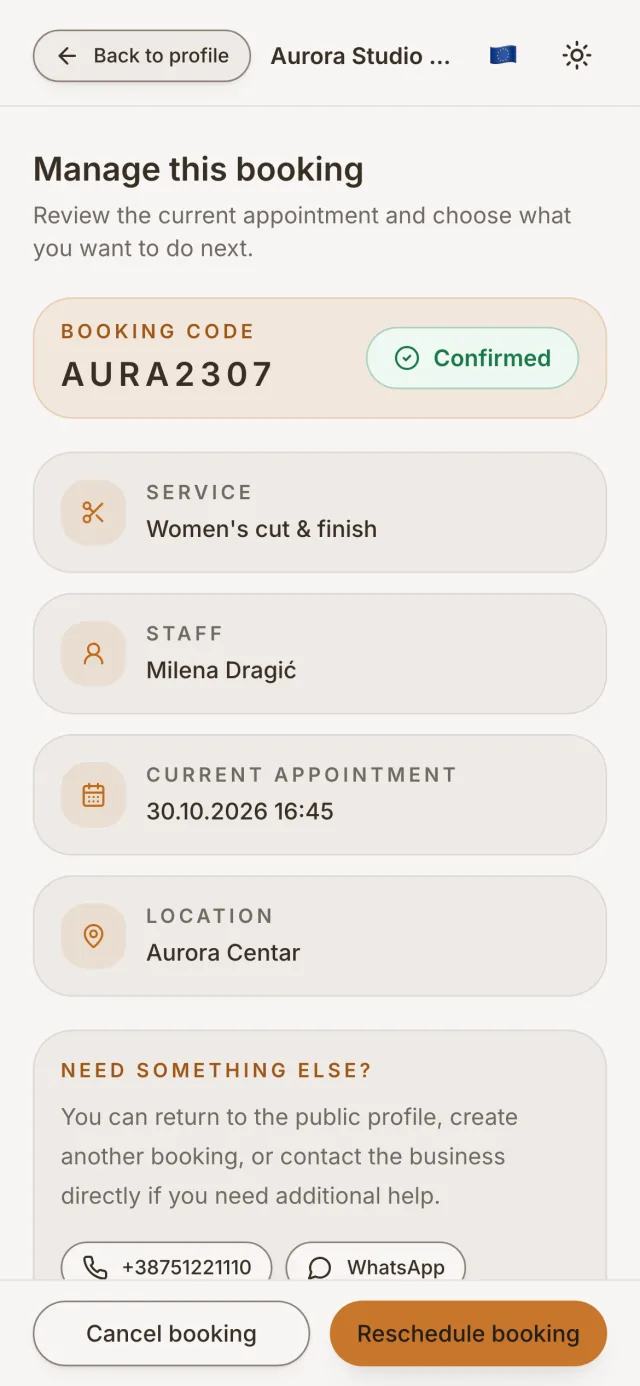
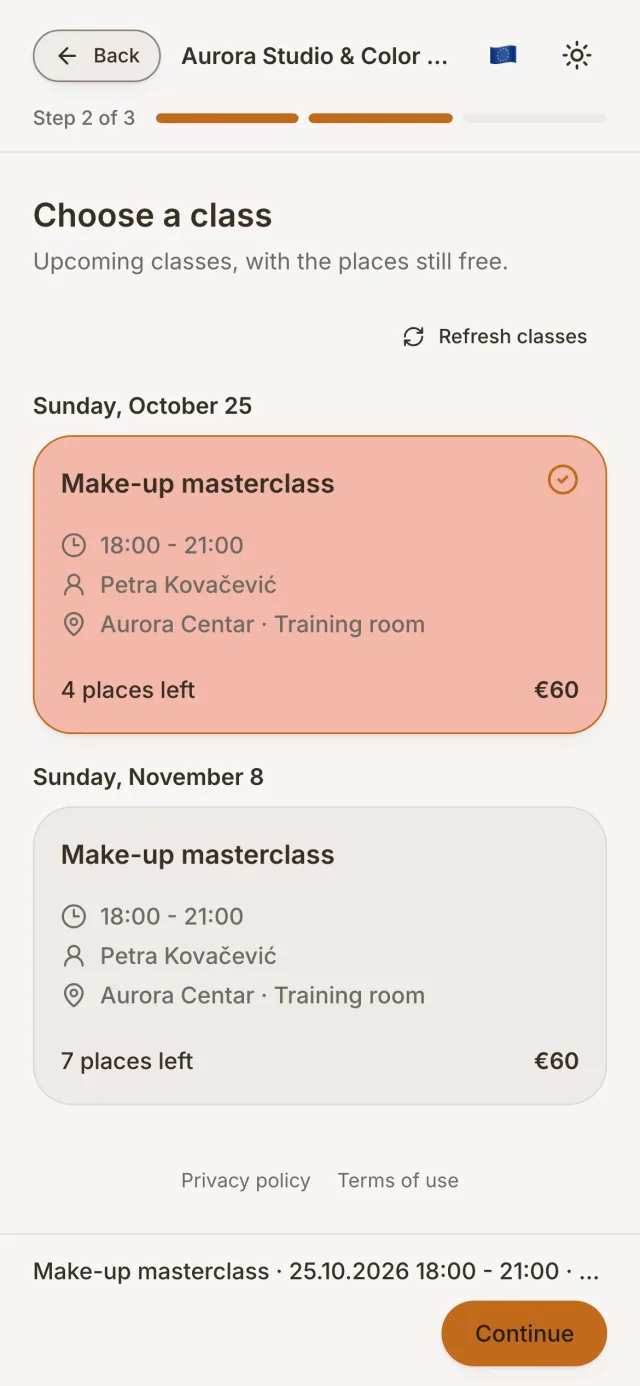
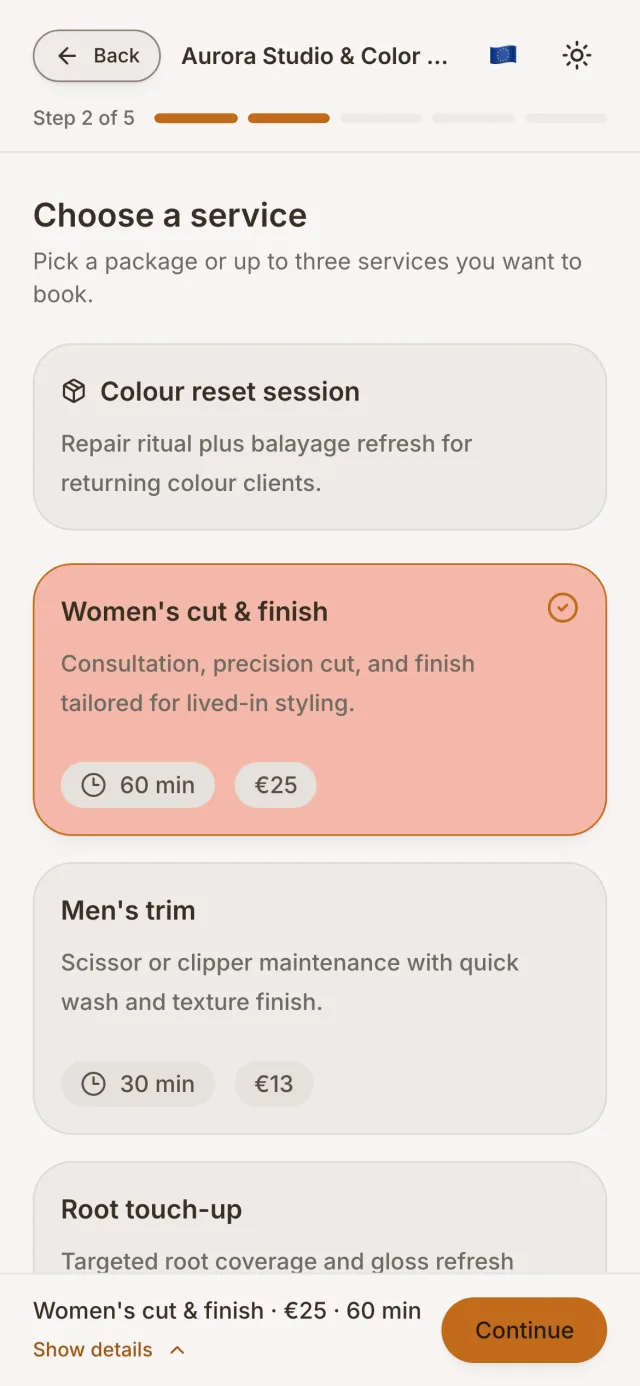
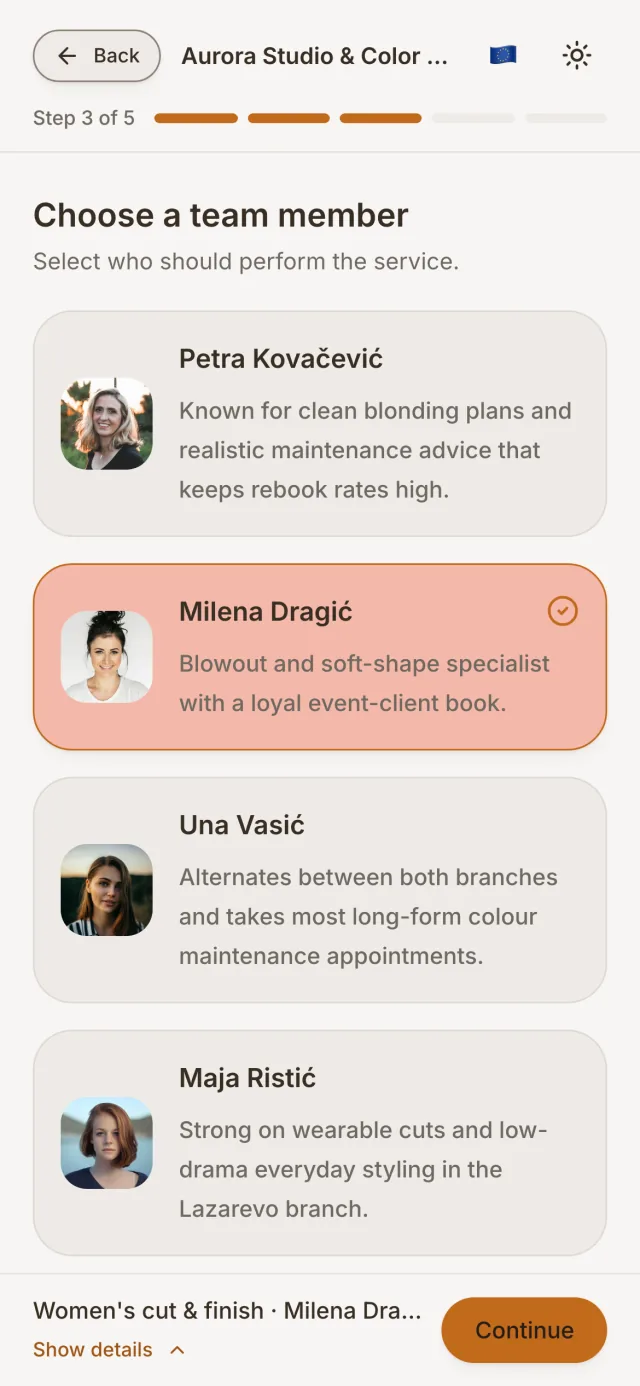
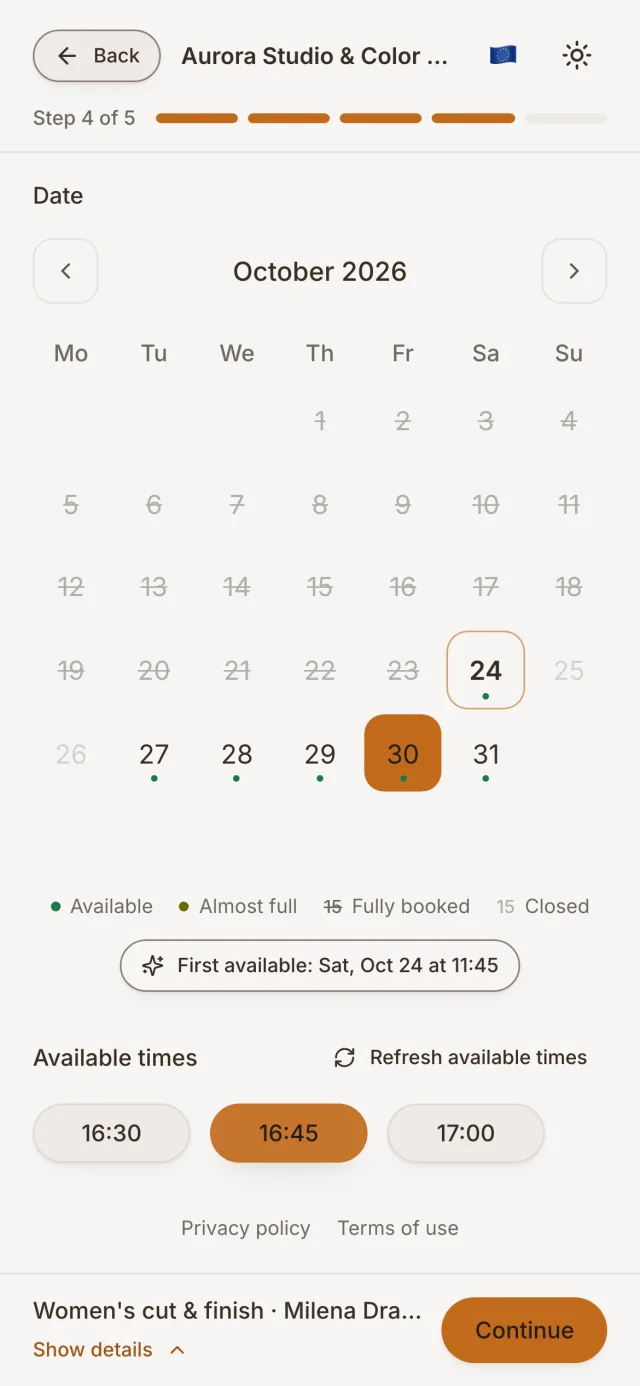
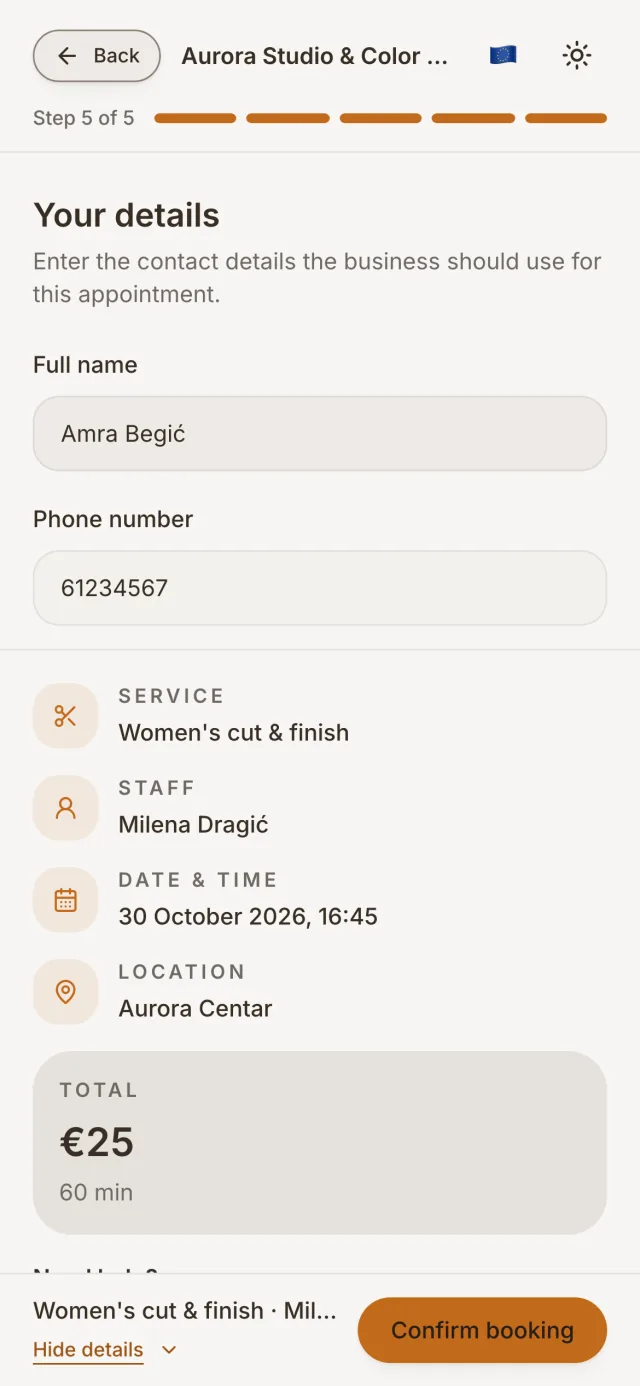
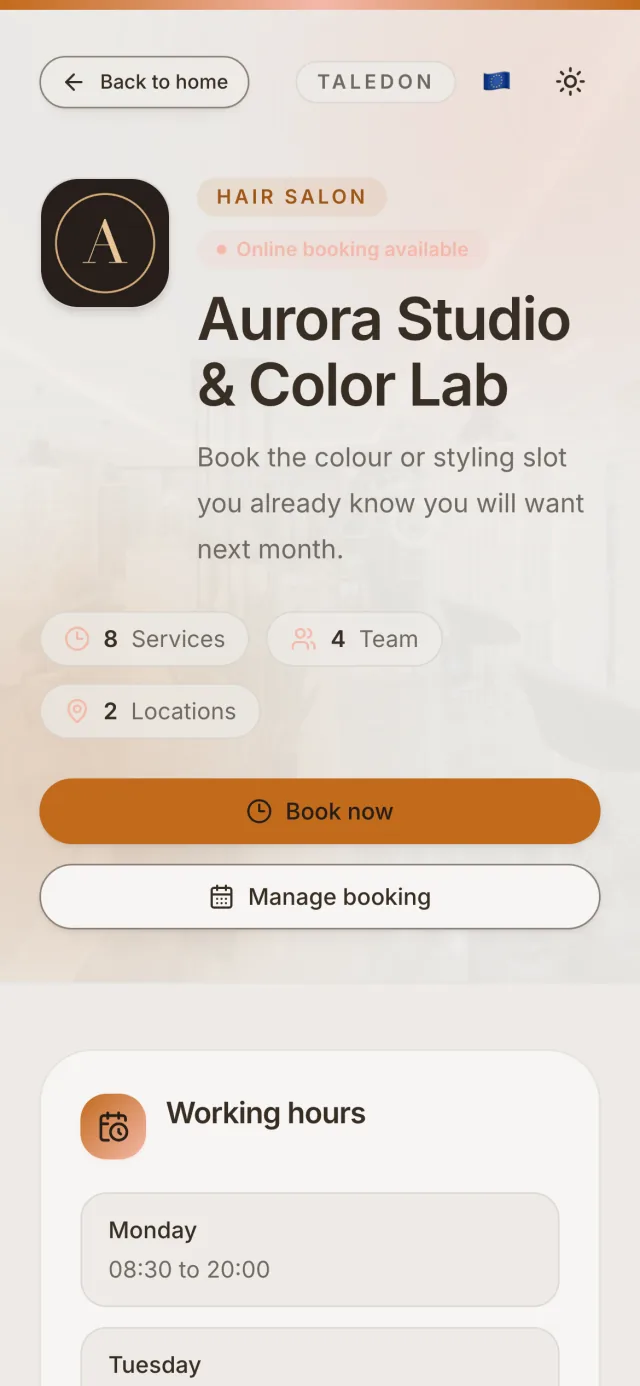
Explore the calendarShare your Taledon page. Clients choose an available time without creating an account, and their booking appears in your calendar. Your settings determine verification and when they can make changes.
Explore online bookingTaledon / Online booking
Illustrationtaledon.com/your-business
Choose a time
Consultation · 60 min
Example working day
No client account needed. Verification follows your booking settings.
09:00 · 60 min
Consultation
Sample client
Room 1
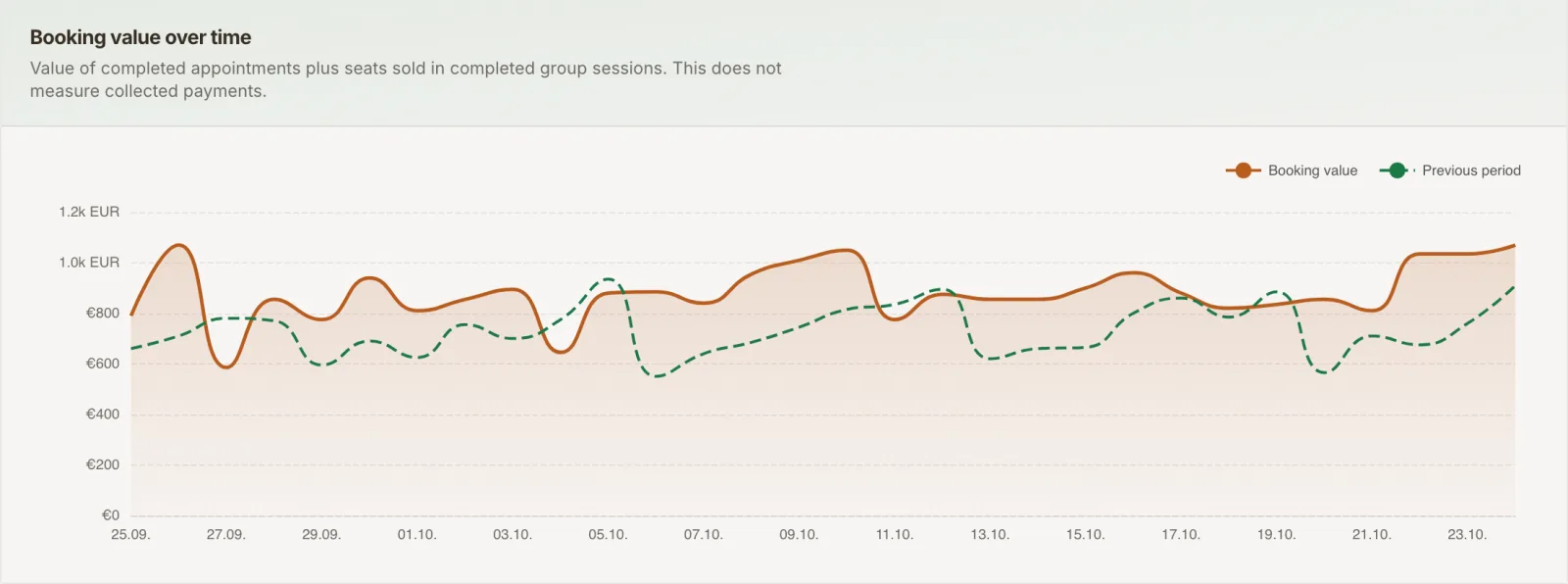
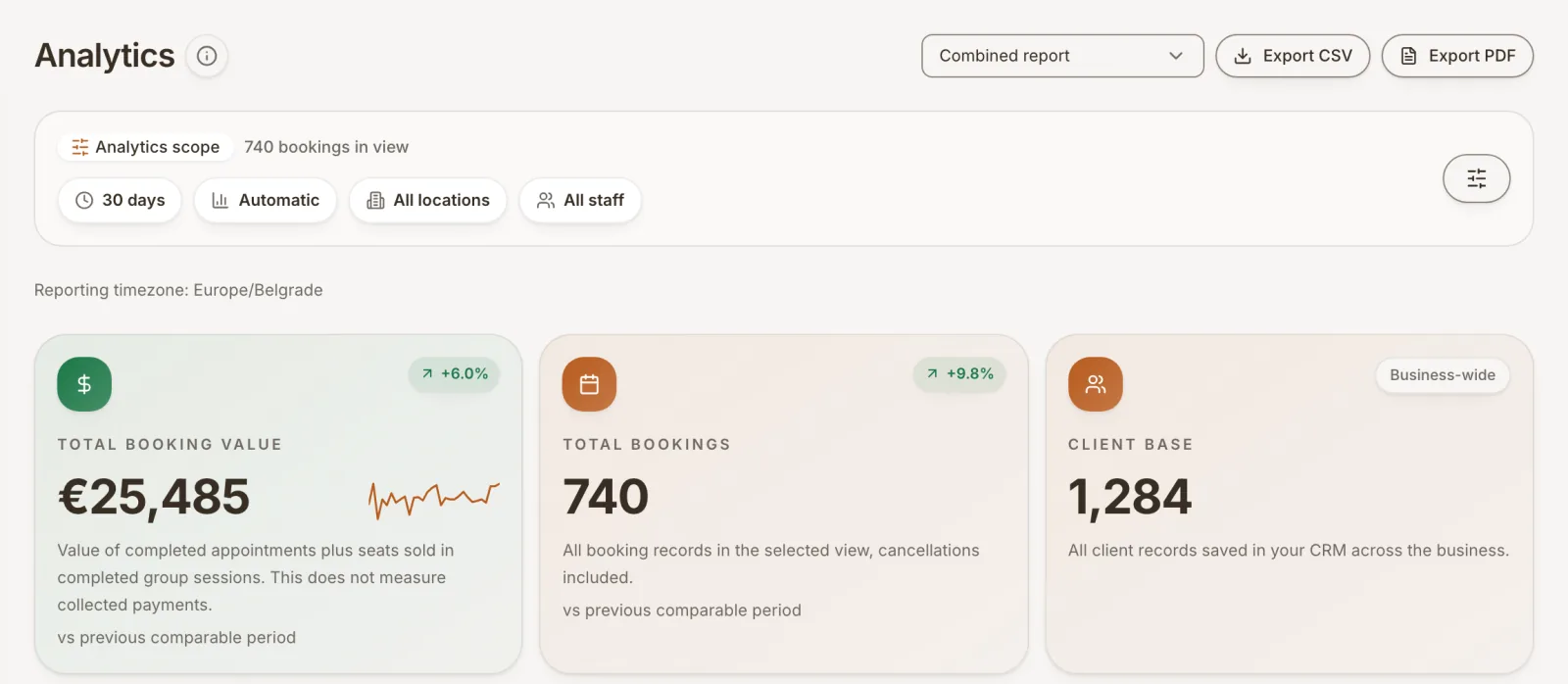
Go beyond the number of appointments. See which services bring in revenue, how busy your team is and whether clients come back. Filter by period, team member or location to understand what changed.
Taledon / Analytics
IllustrationRevenue by week
Week 1
€960
Week 2
€1320
Week 3
€1080
Week 4
€1440
Team utilization
Example data to illustrate the reports, not customer results.
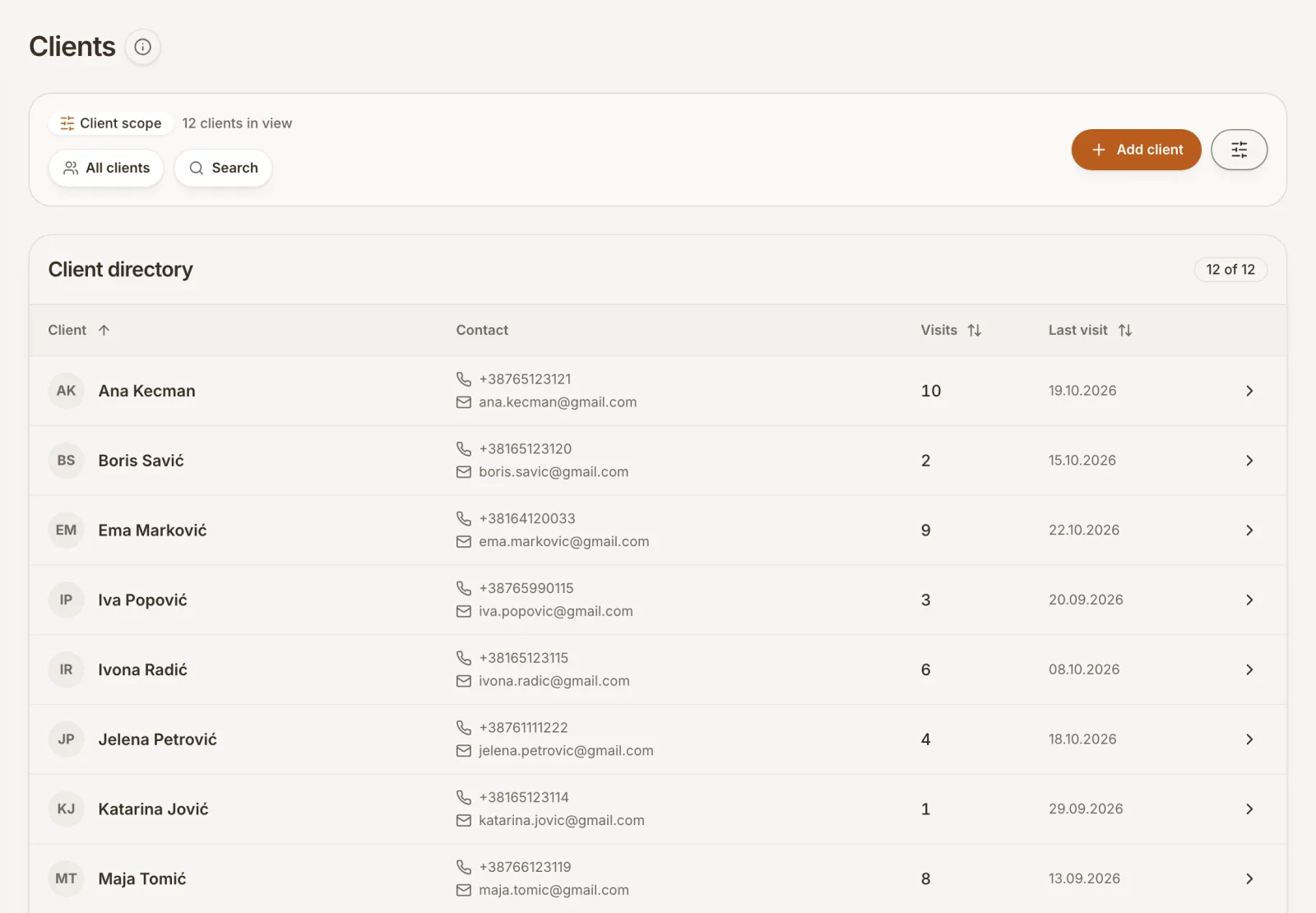
Open the client record to see previous visits and notes. Keep useful context close to the next appointment and give each team member the access they need.
Explore client recordsTaledon / Client records
IllustrationSample client
Client profile
Internal note
Prefers morning appointments.
Visit history
Set up email and SMS confirmations, appointment changes and automatic reminders. Choose the reminder timing and adapt message templates to your business.
Explore notificationsTaledon / Notifications
IllustrationFrom booking to reminder
Booking confirmation
A message when the appointment is confirmed.
Automatic reminder
Example setting: 24 hours before the appointment.
Appointment changes
Messages for rescheduling or cancellation.
Example reminder
Your consultation is tomorrow at 09:00. We look forward to seeing you.
Choose events, channels, timing and message templates in your settings.
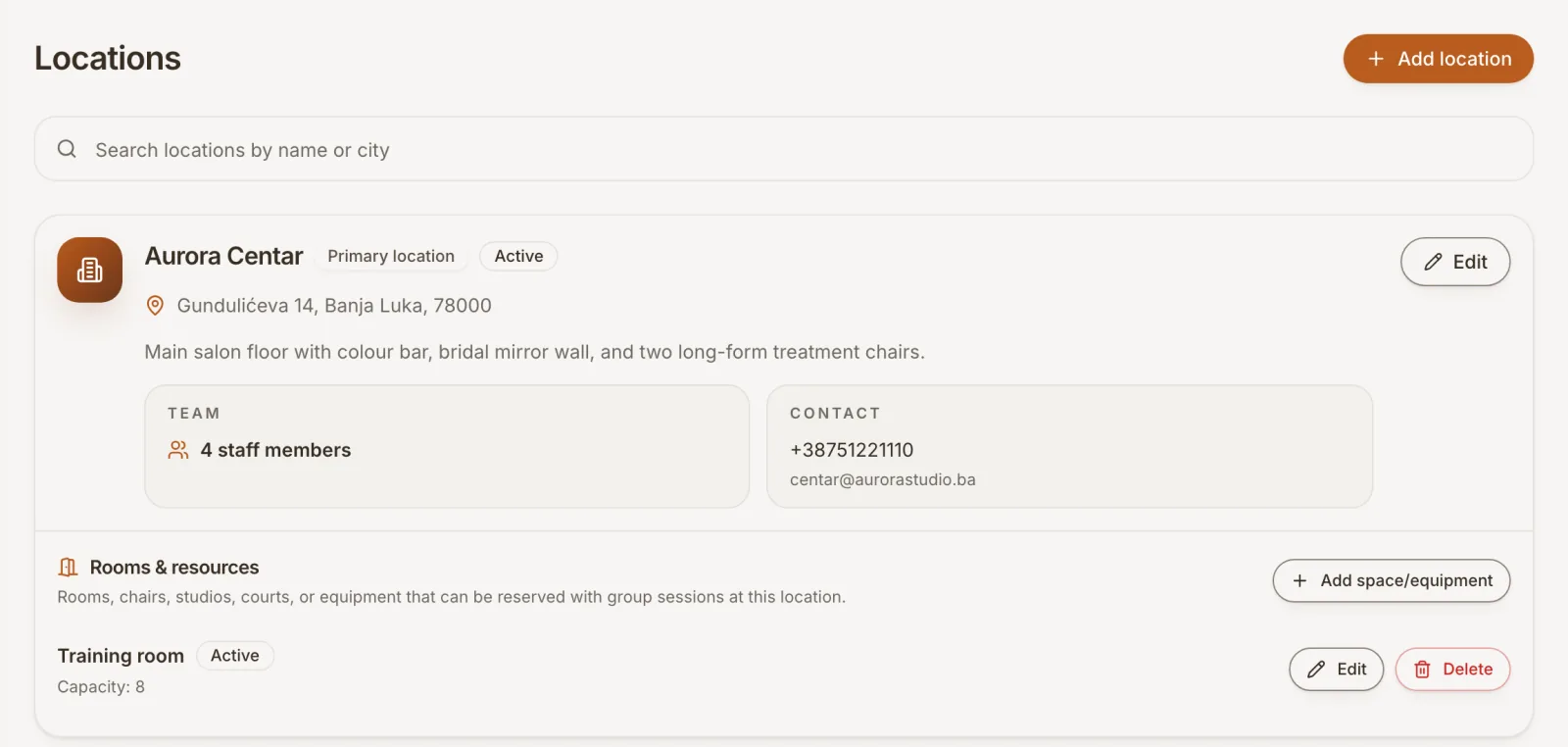
Organize staff, working hours, rooms and equipment by location. Switch the calendar to the place you need, then use analytics to review activity across your locations.
Explore teams and locationsTaledon / Locations
IllustrationA working day across locations
Example working day
Location 1
Team member 1
08:00 · 16:00
09:00 · 60 min
Consultation
Room 1
Location 2
Team member 2
08:00 · 16:00
11:00 · 60 min
Follow-up visit
Room 2
Each location has its own schedule and resources. Review them together in your workspace.
Getting started
Set up at your own pace. If you would rather walk through it together, we can help with your first setup.
You can use the calendar before turning on online booking.
Contact usStart without a payment card. Add the basic details about your business.
Add services, your team, working hours and the spaces or equipment you use.
Add appointments to your calendar. When you are ready, publish and share your online booking page.
Your invitation to get started
Create your account and bring appointments, clients and your team together in Taledon.
Create an accountGet started without adding a credit card.
Free access through
31 December 2026
We will contact you before year end to agree how to continue. Your service will not be automatically stopped on 1 January.
Before you get started
Still have a question? The contact form below reaches us directly.
Accounts created in 2026 receive all current Taledon features free through 31 December 2026. SMS costs are included. You do not need a payment card to register.
Future prices are not published yet. We will contact you before the free period ends to agree the next steps. There is no automatic service cutoff on 1 January and no automatic charge.
Yes. Create an account yourself or contact us to walk through your services, team and schedule together. If you have existing records to move, tell us what you use so we can discuss the options.
Yes. You can enter appointments and organise your schedule in the calendar. Publish your booking page when you are ready to let clients book online.
Yes. Start with your own services and working hours. You can add staff and assign access if your team grows.
Tell us where you keep your records and what you want to bring across. We will discuss the available options with you before agreeing on the next steps.
Clients can book through your public Taledon page without creating an account. Your booking settings determine the information and verification required.
Online payments are not currently available. Taledon handles scheduling and booking management; you arrange payment with your clients separately.
We can start together
Tell us what you would like to organise. We can answer a question or walk through your first setup together.
Prefer to explore first? You can create an account at any time.
Your name, business name and email are enough. We go through the rest together.